

How to Choose a CRM for a SaaS Startup
The CRM is the system of record for your entire revenue organisation. Every other tool in the sales stack connects to it, writes to it, or reads from it. Getting the CRM decision right early — or wrong — compounds over time: right choices create a data infrastructure that scales with the business; wrong choices create technical debt that's expensive and disruptive to fix at the worst possible moment (usually when the team is growing fast and has no time for a CRM migration).
The good news: for most SaaS startups, the decision is simpler than the vendor landscape makes it appear.
The Two Real Options at Early Stage
For the vast majority of SaaS startups, the CRM decision comes down to two platforms:
HubSpot — the default choice for most early-stage SaaS companies. The free tier is genuinely functional; the paid tiers scale reasonably to growth-stage; the UI is intuitive and rep adoption is faster than Salesforce; the marketing, sales, and CS hubs share a data model that eliminates integration complexity. The limitation: customisation and complex workflow logic max out faster than Salesforce, and the enterprise tier is expensive relative to what it offers. Salesforce — the default choice for companies that know from day one they'll need enterprise-grade customisation, complex approval workflows, or a specific integration ecosystem. More powerful, more configurable, higher administrative overhead, steeper learning curve, and significantly higher cost. The Salesforce ecosystem (AppExchange, partner consultants, admin talent pool) is the most mature in the market.Everything else — Pipedrive, Copper, Attio, Monday CRM — occupies a middle ground that is appropriate for specific contexts but rarely the right choice for a SaaS company with ambitions to build a serious revenue organisation.
Decision Framework by Stage
Pre-revenue to first 10 customers:
HubSpot Free. Non-negotiable. There is no scenario where spending money on a CRM before product-market fit is justified. HubSpot Free gives you contact management, deal pipeline, activity logging, and basic reporting — everything you need to track the deals that will teach you your sales process.
10–50 customers, 1–5 AEs:
HubSpot Sales Starter or Professional. The step up from Free adds email sequences, meeting scheduling, deal automation, and better reporting. At Professional tier, custom properties, required fields, and deal-based workflow automation are available — enough to operationalise a basic MEDDPICC qualification model. Cost: £40–£90/user/month.
Salesforce is justifiable at this stage only if: your investors or board have Salesforce relationships, you're integrating with enterprise customers who require Salesforce connector support, or your product complexity genuinely demands Salesforce's configurability.
50–200 customers, 5–20 AEs:
Decision point. HubSpot Sales Enterprise or Salesforce Sales Cloud.
HubSpot Enterprise adds: custom objects, predictive lead scoring, advanced reporting, and playbooks. It handles most growth-stage needs without Salesforce's administrative complexity. The right choice if your RevOps resource is limited (one person or none).
Salesforce Professional or Enterprise is the right choice if: you're investing in a dedicated RevOps function, your deal complexity requires custom objects and complex workflow logic, or your integration requirements (partner portals, CPQ, custom approval workflows) exceed HubSpot's native capability.
200+ customers, 20+ AEs:
Salesforce. At this scale, the configurability, ecosystem depth, and enterprise integration support that Salesforce provides are worth the administrative overhead and cost.
The Key Evaluation Criteria
Integration with your existing stack
Before choosing a CRM, list every tool in your stack that needs to connect to it — call recording, sales engagement, deal intelligence (Brazn), marketing automation, billing, customer success. Verify that native or well-supported integrations exist. The cost of a poor integration — manual data entry, siloed data, broken automation — is higher than any platform price difference.
Custom field and workflow flexibility
MEDDPICC qualification requires custom fields — one for each element, with defined value options. Verify that the CRM's custom property functionality can support your qualification model without workarounds.
Required field enforcement
Can you make specific fields required before a deal advances to the next stage? This is the technical mechanism for exit criteria enforcement. HubSpot Professional and above and all Salesforce tiers support this. Basic tiers typically don't.
Reporting capability
Can the CRM produce the reports you need — funnel conversion by stage, rep performance, pipeline coverage, forecast by category — without a separate BI tool? At early stage, native reporting is sufficient. At growth stage, the answer increasingly becomes "not quite" — which is when a BI layer (Looker, Salesforce Einstein) becomes relevant.
Admin overhead
How much technical resource is required to maintain and develop the CRM? HubSpot is significantly more self-serviceable than Salesforce. If you don't have a dedicated Salesforce admin, you'll pay more in consultant fees and lost productivity than the platform difference.
Adoption
A CRM that reps don't use is worse than no CRM — it creates false confidence in data that doesn't exist. HubSpot's UI advantage over Salesforce is real and produces measurably higher rep adoption rates in most growth-stage teams.
What to Avoid
Overbuying on day one. Salesforce Enterprise on a 3-AE team is expensive, slow to implement, and under-utilised. You'll pay for the migration to HubSpot you should have started with, or you'll pay a Salesforce admin when you need to be paying AEs.
Underbuying at scale. HubSpot Free at 20 AEs produces CRM debt — workarounds, missing fields, broken reporting — that costs more to fix than a timely upgrade would have.
Changing CRMs during a growth push. CRM migrations are disruptive and slow. Time them for quieter periods, never during a quarter-end push or aggressive hiring phase.
Neglecting data governance. The CRM is only as good as the data in it. Define field standards, required fields by stage, and deduplication rules before the first contact is imported — not after 10,000 records need cleaning.
How Brazn Integrates with Your CRM
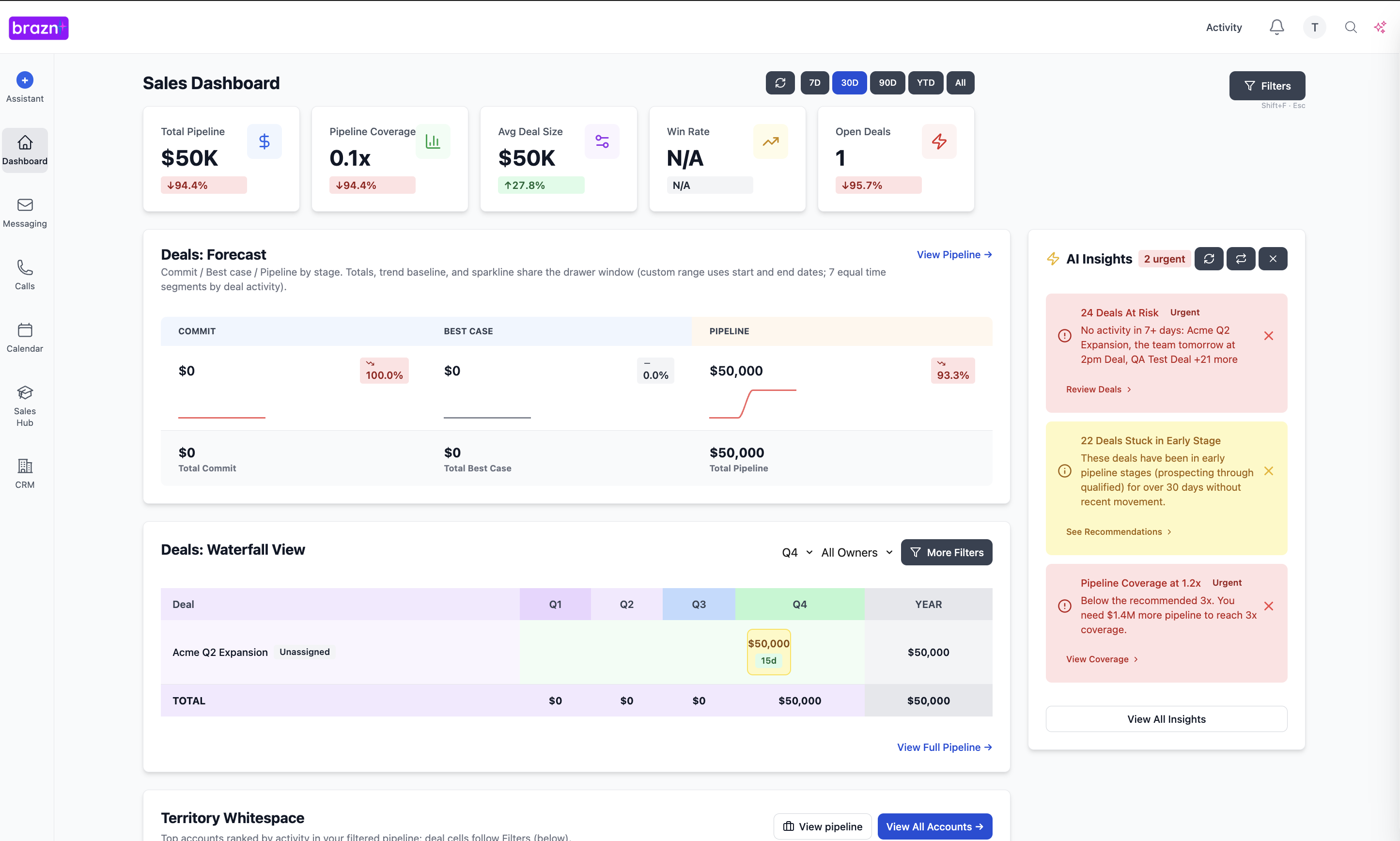
Brazn connects to both HubSpot and Salesforce as the deal intelligence layer — writing MEDDPICC qualification data, deal scores, risk flags, and call summaries directly to CRM fields without rep action. The CRM data quality improvement that Brazn produces makes every downstream report, forecast, and coaching conversation more reliable — regardless of which CRM platform you've chosen.
See Brazn in your sales stack
Map your current tools and see how Brazn can connect the work between them.